
As a malware analyst, my day to day usually involves digging deep into compiled code and hunting for microscopic flaws. However, modern scammers have realized it is infinitely easier to simply ask you to show them your passwords. By manipulating victims into downloading legitimate, commercially available remote desktop software, threat actors are bypassing millions of dollars in cybersecurity infrastructure.
In this comprehensive guide, we will dissect the anatomy of the screen share scam and outline exactly what you need to do if you fall victim. For more foundational knowledge on how these actors manipulate human psychology, check out our guide to social engineering tactics.
The Anatomy of the Screen Share Scam
To understand how to defeat this threat, we have to look at the attack chain. Scammers operate using a highly polished, script driven methodology designed to induce panic and force rapid compliance.
Phase 1: The Manufactured Crisis (The Lure)
The attack almost always begins with unsolicited communication a terrifying pop up or a phone call from "your bank's fraud department." The goal is to spike your adrenaline and shut down your rational thinking.
Phase 2: The "Solution" (The Hook)
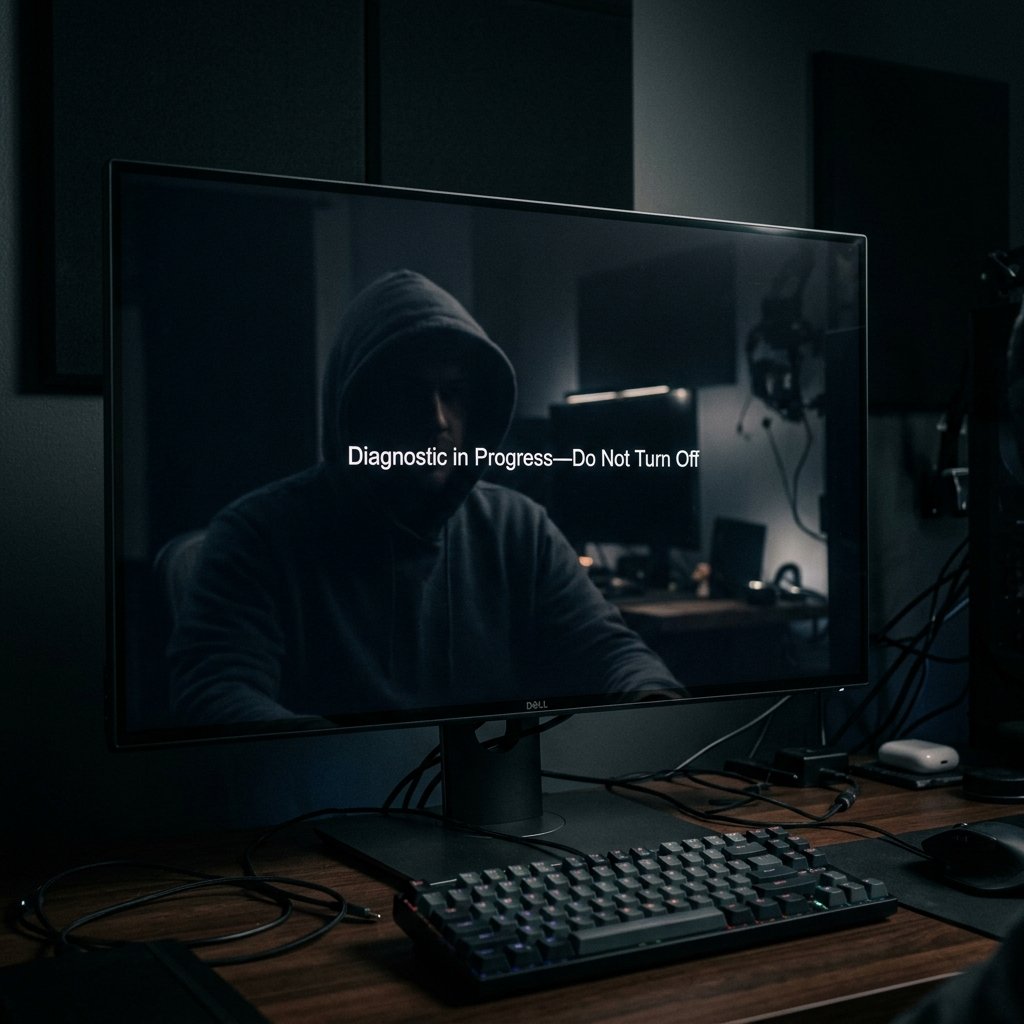
Once you are on the phone, the scammer validates your fears. They act as your ally, proposing a "diagnostic" to fix the problem or process a refund.
Phase 3: The Hijack (The Screen Share)
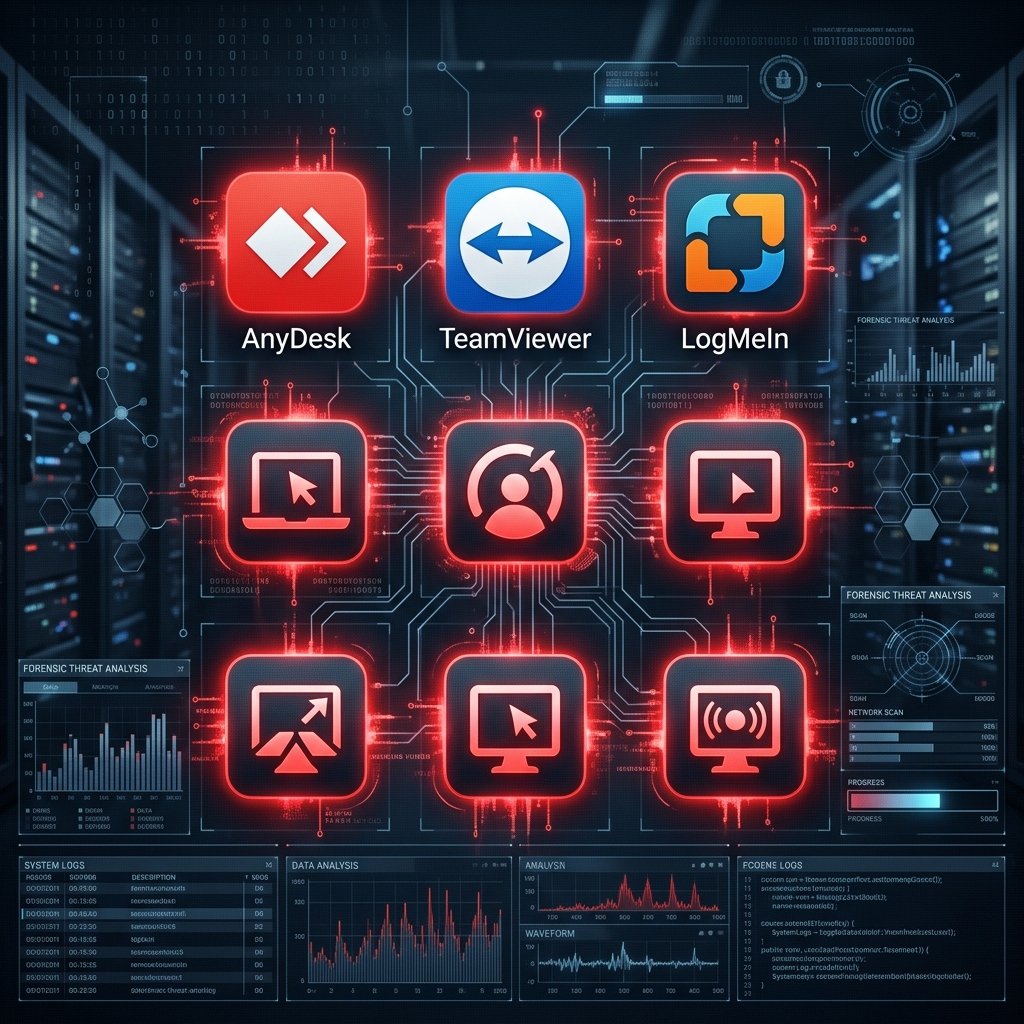
The scammer instructs you to download a trusted application like AnyDesk, TeamViewer, or LogMeIn. Because these are legitimate tools, your antivirus software will not block them.
Phase 4: The Harvest
Once connected, the trap snaps shut. The scammer watches you log into your bank account ("shoulder surfing"), uses "blank screen" features to hide their actions, or simply reads your 2FA codes in real time as they arrive.
If you believe your accounts have already been compromised, immediately review our emergency checklist for securing compromised accounts.
A Malware Analyst’s Perspective: Why "Living Off the Land" Works
From a forensic standpoint, the screen share scam is a textbook example of a "Living off the Land" (LotL) attack. When I analyze ransomware, I find signatures. But how do you write a rule against a user willingly logging into their own bank account while using a legitimate app? You can't.
The Illusion of Encryption
People often feel safe because they see the padlock icon (HTTPS). This is a fundamental misunderstanding. HTTPS encrypts data *in transit*. Screen sharing software captures the data *at the endpoint* right off your monitor before it is ever encrypted.
For a deeper dive into how to properly secure your credentials, read our guide to implementing encrypted password managers.
Crucial Red Flags You Cannot Ignore
- Unsolicited Contact: Legitimate organizations will *never* call you and ask to connect to your computer.
- The Urgency Factor: Threats of losing money if you don't act in five minutes are a hallmark of a scam.
- Refusal to Let You Disconnect: Aggression when you suggest calling your bank back is a major red flag.
- Strange Support Portals: Being directed to download third party support software out of the blue.
What to Do If You Are a Victim
- Sever the Connection Physically: Pull the Ethernet cable or power off the machine immediately.
- Use a Different Device: Change your passwords from a clean smartphone or a different computer.
- Lock Down the Financials: Call your bank immediately and freeze your accounts.
- Change Core Passwords: Start with your email, then banking. Read about why SMS 2FA is no longer sufficient.
- Clean the Machine: Perform a complete factory reset before connecting to the internet again.
Escalating the Response: When to Bring in the Experts
In cases of significant financial loss, standard IT support is not enough. We strongly recommend the services of Trusted Private Investigators specializing in cybercrime following the money through blockchain analysis and attributing threat actors.